Linux and I have history. I have used it for fun, for development, and in professional environments. I always appreciated its power, but I cannot pretend the overall experience was consistently good. Too often, using Linux meant spending time fixing the operating system instead of doing the thing I had opened the computer to do.
Lately, curiosity brought me back. I tested roughly five distributions, looking for something that could support both sides of my life: the Solutions Engineer who moves between code, APIs, integrations, demos, and proof-of-concepts—and the gamer who wants to finish work, open Steam, and simply play.
I eventually landed on Omarchy, an opinionated Arch Linux setup built around Hyprland. Insert the obligatory “I use Arch, btw” meme here. This time, however, Arch feels less like the destination and more like the foundation for a coherent experience.
Gaming: surprisingly ready, but not magic
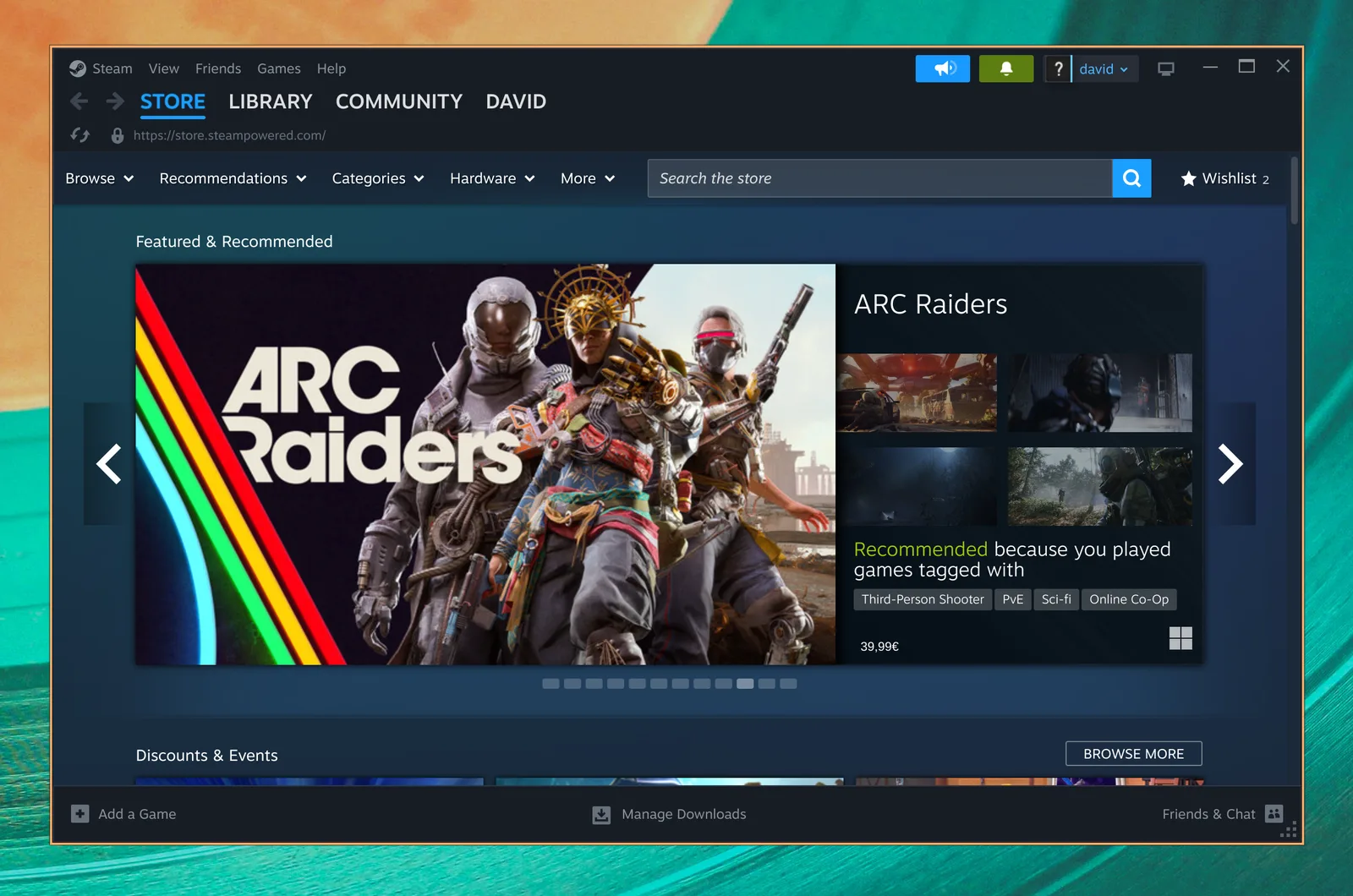
Steam on Omarchy. Image from the Omarchy gaming manual.
Omarchy puts gaming installers behind Super + Space, including Steam, Heroic, Lutris, Battle.net, RetroArch, and cloud-gaming options. That matters because Linux gaming is no longer one heroic weekend of Wine prefixes and forum archaeology. The common paths are visible and approachable.
The biggest reason is Proton, Valve’s compatibility layer for running Windows games on Linux through Wine and high-performance graphics implementations. For a large part of my Steam library, the experience is now remarkably normal: install, launch, play. Before buying or installing, I still check community reports on ProtonDB, because “runs on Linux” and “runs perfectly on my hardware” are not the same statement.
There are real caveats. Competitive games can still be blocked by anti-cheat. Valve supports Easy Anti-Cheat and BattlEye through Proton, but each game’s publisher must enable and configure that support. Kernel-level anti-cheat, some launchers, brand-new releases, VR, HDR, and unusual peripherals can turn game night into troubleshooting night. NVIDIA can also demand more attention than AMD, and occasionally the right answer is a different Proton version or a launch option.
The gaming pros: excellent Steam integration, strong performance, controller support, multiple launchers, and an Arch base with current drivers. The cons: compatibility is per-game, anti-cheat can be a hard stop, and updates sometimes introduce surprises. Omarchy makes the road smoother; it does not repeal Linux reality.
Work: an operating system designed around flow
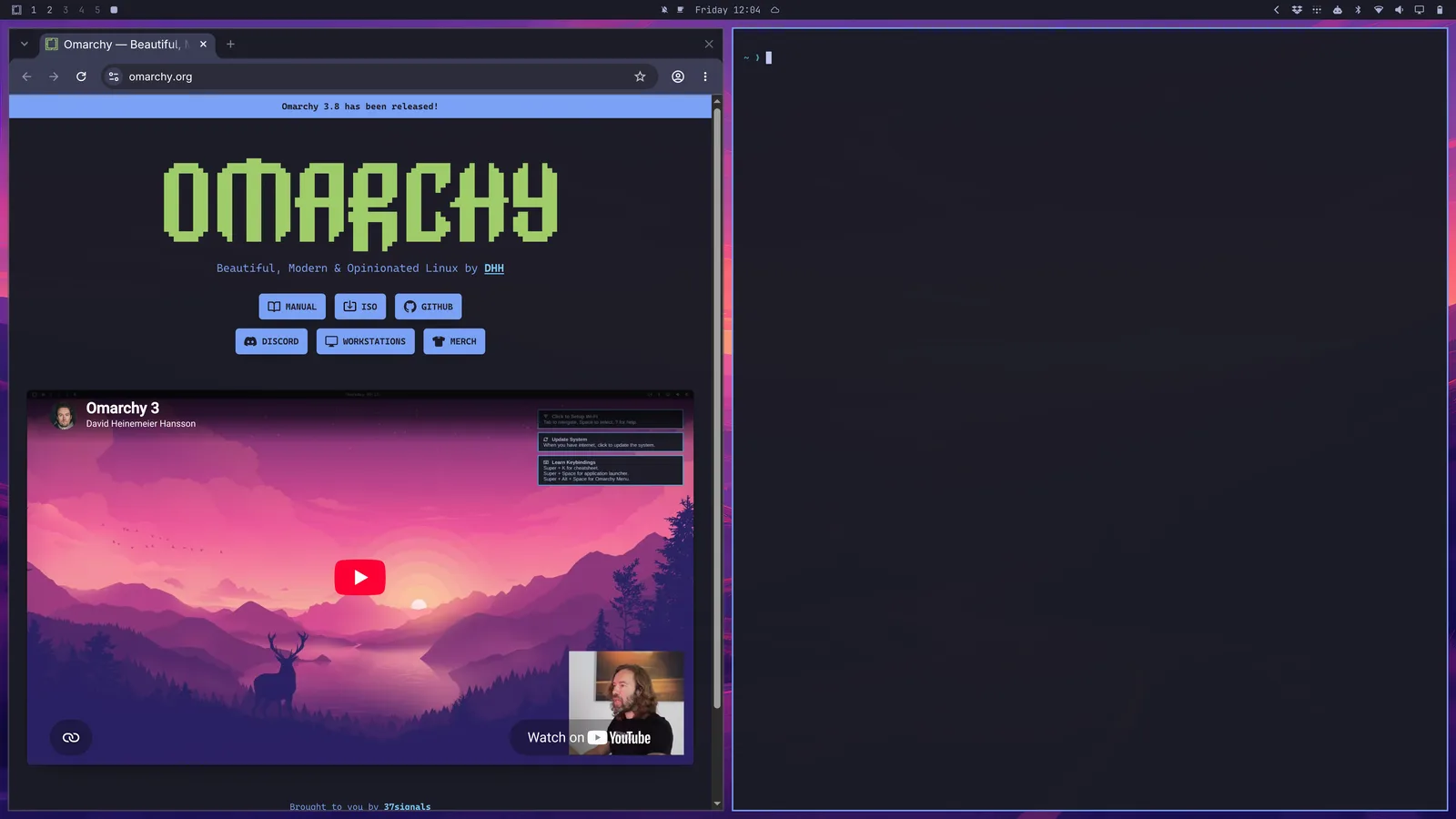
Browser and terminal tiled automatically. Image from the Omarchy navigation guide.
My work lives at the intersection of business and technology. One moment I am translating a customer requirement; the next I am testing an API, reading logs, sketching an integration, or building a proof-of-concept. That context switching makes Omarchy’s keyboard-first design more than visual decoration.
Super + Return opens a terminal. Super + Shift + Return opens the browser. Super + Arrow moves focus, Super + 1–9 changes workspaces, and Super + Shift + 1–9 sends a window to another workspace. Super + W closes a window, while Super + K displays the shortcut map when memory fails. Hyprland tiles everything automatically, so I spend less time dragging windows and more time maintaining a mental model of the task.
The mouse does not disappear; it becomes optional more often. That is the real productivity gain. A terminal, editor, browser, documentation, and an agent can each have a predictable place. After years of managing complex delivery and architecture work, I value systems that reduce small decisions. Window placement is a very small decision—but repeated hundreds of times, it becomes friction.
The “agentic OS” idea
Omarchy calls itself an operating system for the age of agents, and this is one area where the description feels earned rather than decorative. Its AI tooling treats coding agents such as Codex, Claude Code, OpenCode, and others as first-class command-line tools. You can choose a default agent and launch it with Super + Shift + Ctrl + A, while the scratchpad is a natural home for a persistent agent terminal.
That fits how I work today. An agent can inspect a repository, draft integration code, run checks, or document a solution while I focus on requirements and tradeoffs. Omarchy also offers development setup for common languages, editors, Docker, GitHub CLI, and databases through its menu. It does not make engineering judgment automatic, but it shortens the distance between an idea and a working experiment.
There is an important warning: convenience increases blast radius. An agent with terminal access can make mistakes faster too. I still review diffs, protect credentials, test changes, and keep source control as the safety net.
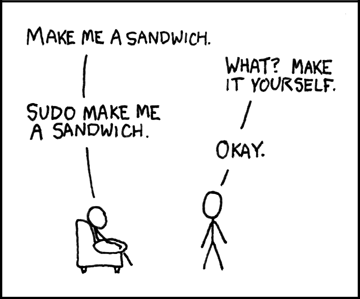
Some Linux traditions never get old. “Sandwich” by XKCD, licensed CC BY-NC 2.5.
The learning curve is the price of admission
For the first few days, Omarchy can feel actively hostile to muscle memory. You reach for the mouse, windows appear somewhere unexpected, and every useful action seems to require a chord you have forgotten. A rolling Arch base also expects attention: updates are frequent, and deep customization can create future maintenance work.
My advice is to learn a small loop first: menu, terminal, browser, close, focus, and workspaces. Keep Super + K nearby. Do not customize everything on day one. Once those movements become automatic, the desktop starts to feel less like software you operate and more like an extension of how you think.
That is Omarchy’s tradeoff. The pros are speed, focus, sensible defaults, deep customization, strong development tooling, and a genuinely fun environment. The cons are the shortcut learning curve, occasional Linux hardware or gaming friction, rolling-release maintenance, and an opinionated workflow that will not suit everyone.
Why I am staying—for now
Previous Linux attempts made me feel that freedom came with an endless setup tax. Omarchy has not removed the tax, but it has made the return worthwhile. It gives me a focused technical workspace during the day and a capable gaming machine afterward, without pretending those two needs belong on separate computers.
This is still Linux. Something will break eventually. I may even have to use sudo to make the sandwich. But for the first time in a long time, I am enjoying the operating system itself—and that makes me want to keep learning it.